Vintage Luxury Wedding Website Template – Animated Envelope Canva
Give your wedding an elegant, modern luxury vintage vibe with this exclusive Animated Envelope Wedding Website Template .
This beautifully designed website combines timeless elegance with an interactive envelope-opening experience in sophisticated burgundy and vintage tones. Your guests virtually open a stylish invitation and immerse themselves step by step in your wedding world – with luxurious details, rich colors, and a classic, editorial aesthetic. Perfect for couples seeking an exceptional digital invitation with character.
The website offers everything you need for stress-free planning: an animated homepage, a personal "Our Story" section, clear event and schedule information , an integrated countdown , an interactive Google Maps map, and a directly linked RSVP form . Everything is 100% mobile-optimized and looks high-quality and professional on any device.
Editing in Canva is particularly easy: You can adjust texts, names, colors, photos and content in just a few minutes – without any programming knowledge.
This is included:
• Animated Luxury Wedding Website Template (editable in Canva)
• Interactive Envelope Opening Experience
• Integrated countdown timer
• Integrated RSVP form (Google Form or Invitarium.io)
• “Our Story” section with space for your photos
• Google Maps integration for your location
• Fully customizable: fonts, colors, layout and images
• 100% mobile-friendly & responsive – optimized for smartphone, tablet & desktop
• Free bonus: Printable card template with QR code
• Exclusive freebies: Canva Crash Course + step-by-step instructions
• Professional tips from software developers & designers
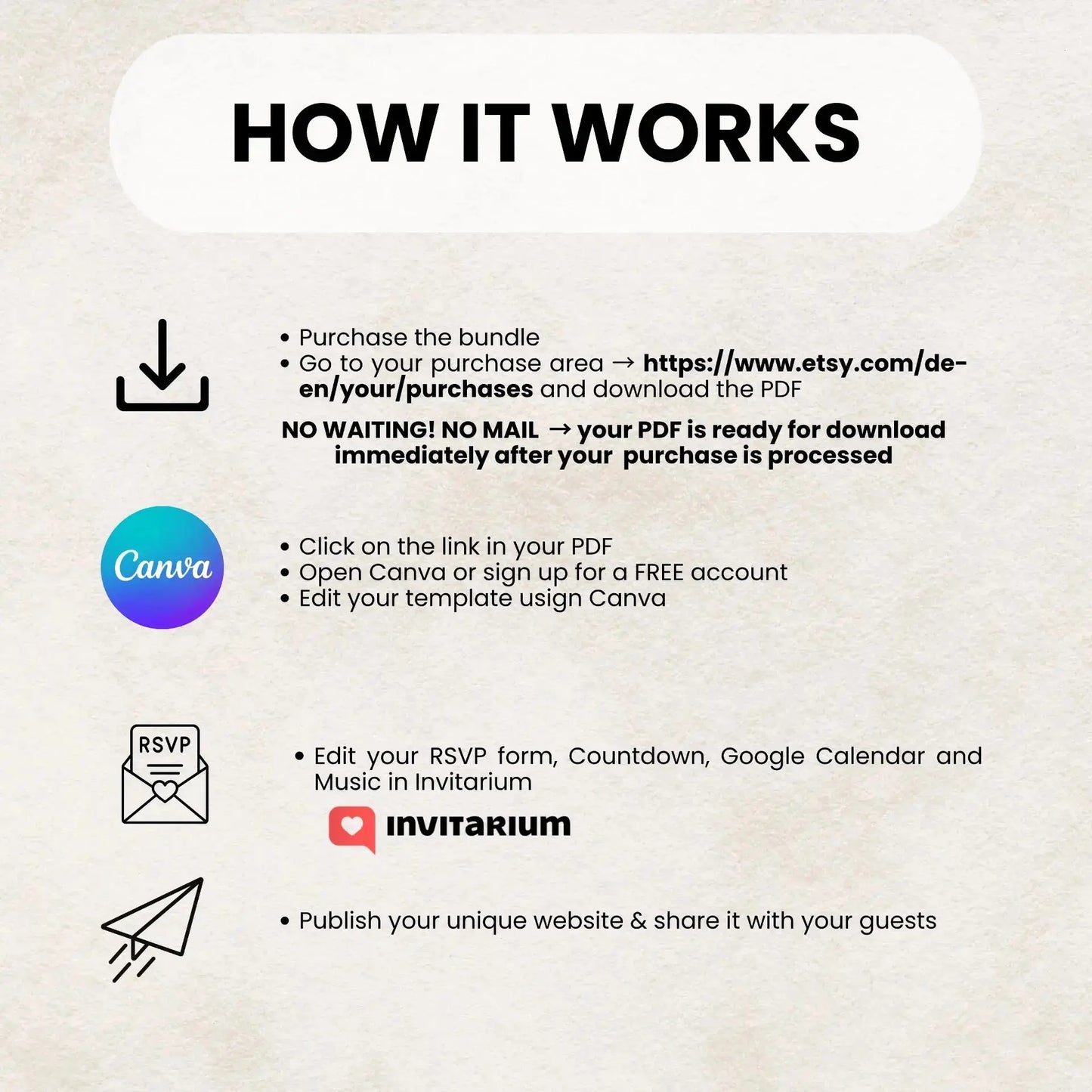
Here's how it works
1. Purchase this digital product
2. Download the PDF using your exclusive Canva template link.
Open the PDF and click on the Canva link – your template will automatically load in Canva. Personalize names, text, photos, and colors.
4. Create a free account with Invitarium or use Google Forms to set up countdown & RSVP (instructions included)
5. Test the preview on your smartphone, laptop, or tablet.
6. Publish your wedding website and share the link with your guests.
Important instructions
• Digital product — no physical shipping
• Due to digital content, all sales are final.
• License for personal use only
• Colors may vary slightly depending on the screen
• Support is available at any time